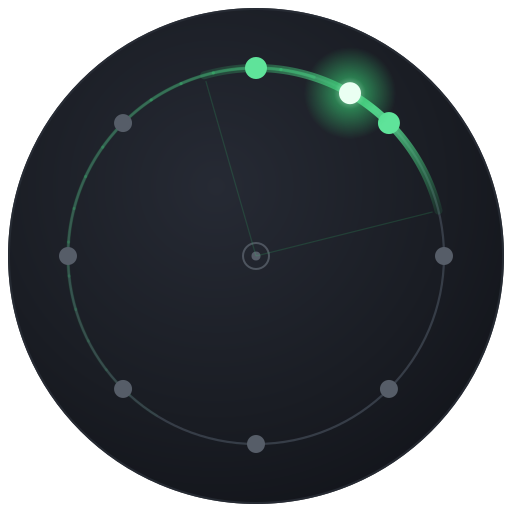
Popcorn
Pop a sound to a new random spot — around or inside the ring — on every beat
Popcorn jumps your mono source to a fresh, randomly chosen position around the listener at a rate you set, in seconds or in beats. Instead of gliding, the sound teleports from spot to spot, so it feels like it is popping and scattering around the room. Two controls shape where it can land: Radii Range opens the pool of spots inward from the speaker rim toward the centre, so pops happen deep inside the ring as well as around it, and Density sets how many candidate positions are in play. Each jump is masked by a brief built-in dip in level so the change lands cleanly without clicks, and the picks never repeat a position back-to-back, keeping the motion lively and unpredictable.
How to use it
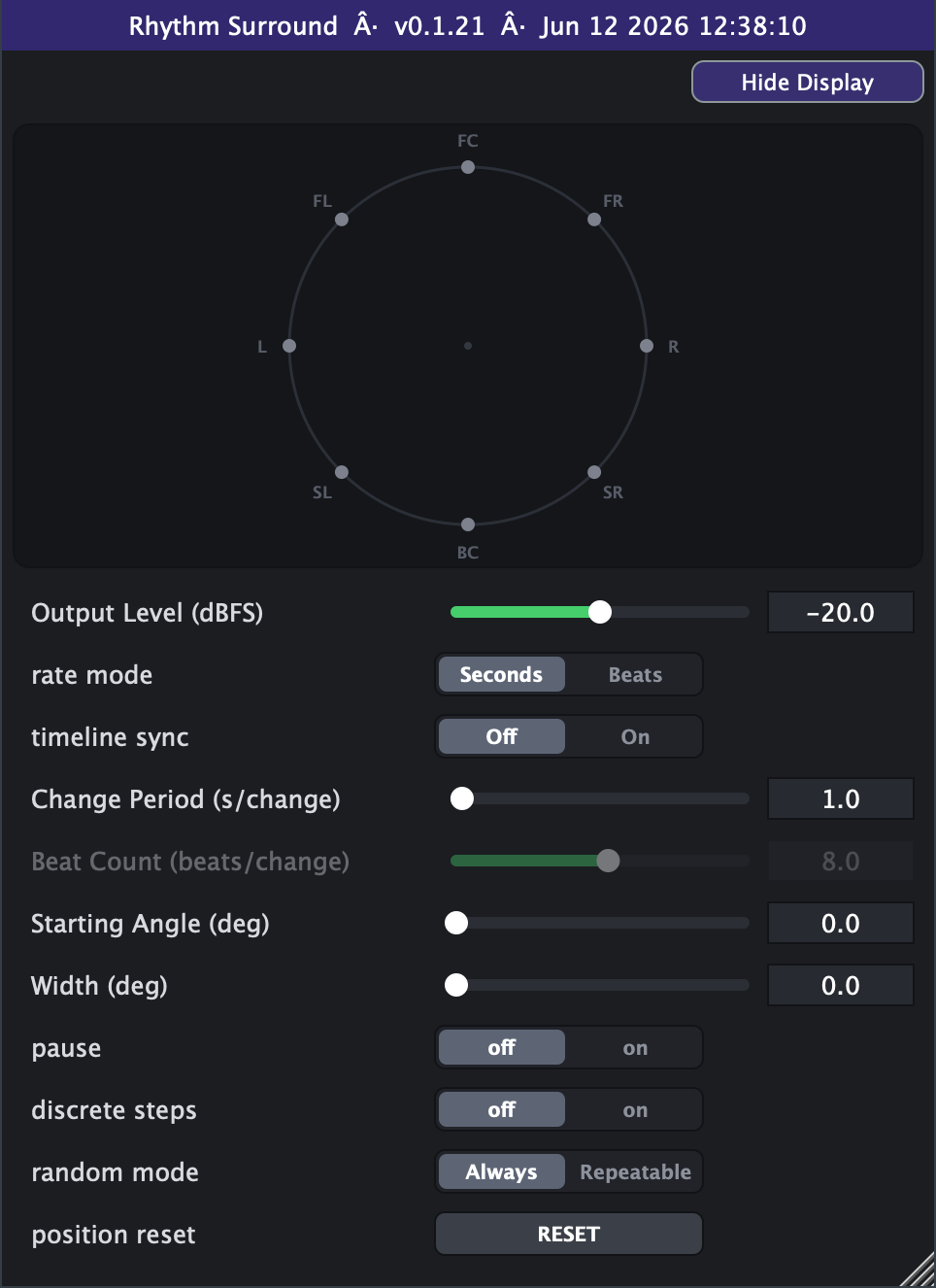
- Quick start: leave Rate Mode on *Seconds* with Change Period around 0.5-1 s for an obvious hopping effect, Width at 0 (a tight point source), and Output Level near -20 dBFS. Then drop the Change Period to taste.
- Open up the room: raise Radii Range to let pops land inside the ring, not just around it — 0 stays out on the speaker rim, 1 lets them reach the centre. Use Density to set how many spots are in the shuffle (more = a wider, less repetitive scatter).
- Lock it to the groove: switch Rate Mode to *Beats* and set Beat Count to 1 (a jump every beat), 0.5 (twice per beat) or 4 (once per bar). The rate then follows your project tempo automatically - great on hi-hats, percussion loops, arps and stabs.
- Make it reproducible: turn Random Mode to *Repeatable* (and ideally Timeline Sync *On*) so the exact same sequence of positions plays back every time you loop, bounce or re-run the section. Leave it on *Always* for ever-changing chaos in a live or improvised context.
- Tighten or smear the image: Width 0 keeps each pop as a pinpoint; raise Width to spread each landing into a wider arc. Turn on Discrete Steps if you want every virtual source quantised to exact speaker positions.
- Hold a position: flip Pause *on* to freeze the source at wherever it last landed - handy for catching a held note in one spot. Use the Reset button or move Starting Angle to snap it back to a known place.
- Avoid: very long Change Periods (tens of seconds) make the effect almost static - if you want slow drifting motion, a continuous-motion plugin like Twirl or Surf is a better fit. Also avoid extremely short periods on sustained pads, where constant jumping can sound restless rather than rhythmic.
Controls
- Output Level (dBFS)
- Overall output level of the effect. Turn up for a louder result, down to leave headroom; loudness is already compensated as the Width widens. Slider range is set on the Advanced tab (default -40..0 dB; extendable to -100..+20).
- rate mode
- Chooses how the jump rate is set. Seconds uses Change Period directly; Beats derives the interval from Beat Count and the host project tempo.
- Change Period (s/change)
- Time between jumps when Rate Mode is Seconds. Smaller values pop faster; larger values pop slower. Active only in Seconds mode. Slider range is set on the Advanced tab (default 1-50 s).
- Beat Count (beats/change)
- Beats between jumps when Rate Mode is Beats; the actual time follows the host tempo. Below 1 means several jumps per beat. Active only in Beats mode. Slider range is set on the Advanced tab (default 8-400, log).
- Radii Range
- Opens the pool of landing spots inward from the speaker rim. 0 keeps every pop out on the ring (the classic hopper); raise it and the source can land progressively deeper inside the ring, all the way to the centre at 1.
- Density
- How many candidate positions are in the pool the source cycles through before it reshuffles (2-64, default 8). Fewer positions revisit the same spots sooner; more give a longer, less predictable scatter.
- Starting Angle (deg)
- The angle the source snaps to when you change this control or hit Reset. 0 is front, 90 is left, 180 is back, 270 is right (counter-clockwise).
- Width (deg)
- Spreads each landing from a single pinpoint (0) into a wider arc of virtual sources. Larger values give a broader, more enveloping image at each jump.
- pause
- On freezes the motion, holding the source wherever it last landed. Off resumes the random jumping.
- random mode
- Always gives a fresh random sequence each run. Repeatable makes the sequence deterministic so loops and replays land on the same positions.
- position reset
- Momentary button that snaps the source back to the Starting Angle and de-clicks the jump. Returns to off automatically.
- timeline sync (Advanced tab)
- Off lets the jumps free-run. On locks the jump schedule to the host playhead so seeks, loops and stop/start land the jumps consistently on the timeline.
- Advanced range settings
- Output Level min / max default to -40 and 0 dBFS, with hard bounds of -100 and +20, always linear in dB. Change Period min / max / scale default to 1 and 50 s within hard bounds of 0 and 1000, linear by default with a log switch. Beat Count min / max / scale default to 8 and 400 beats within hard bounds of 0.01 and 4000, log by default with a linear switch.
- discrete steps (Advanced tab)
- On quantises each virtual source to the nearest exact speaker position (45-degree grid). Mainly audible when Width is raised.