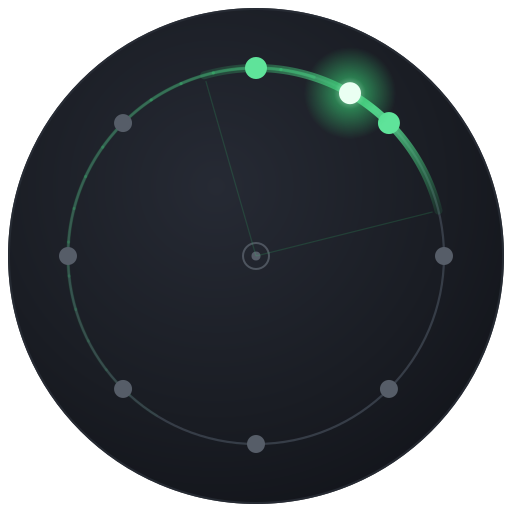
Move any sound all the way around you.
Spatial Sound Tools is a suite of ten effects that take one mono sound and move it through an array of speakers around you — spin it, sweep it, bounce it, scatter it, or send it flying past.
macOS & Windows · AU · VST3 · AAX (Pro Tools) · Standalone · Atmos-ready
Quad · 8-channel ring · 7.1
Built around a single, simple idea
You design movement on one 8-speaker ring. The plugin handles delivering it — consistently — to whatever speakers you're on.
One engine, ten motions
Every plugin shares the same spatial engine and the same controls. Learn the ring once and you can drive all ten — spin, sweep, bounce, scatter or fly. An Advanced tab on each plugin retunes slider ranges and scales, and timeline sync keeps looped playback perfectly repeatable.
Mono in, the whole room out
Feed a single mono channel and the plugin owns the entire space — no left/right image to fight with, just clean placement and movement anywhere around you.
Renders to your rig
Design the motion once on an 8-speaker ring; it maps faithfully to a discrete ring, a four-speaker quad rig, or a Dolby Atmos 7.1.4 / 7.1.2 bed — and you can monitor any of them folded down to stereo speakers or headphones.
Width without volume
Open a sound from a pinpoint to a wall that surrounds you. Loudness compensation keeps the level steady, so widening makes it bigger — not louder.
Position is just an angle
Picture yourself in the middle of the ring, facing forward. Position is measured in degrees, counter-clockwise as the number grows: 0° front, 90° left, 180° behind, 270° right. Eight speakers sit at even 45° spacing.
When a sound lands between two speakers, the engine feeds both at once — balanced so the loudness stays constant — and your ear hears one phantom source gliding smoothly between them. The Width control grows that source from a pinpoint into an enveloping band that can surround you completely.
How the engine works →Watch two of the ten
The on-screen ring always shows where your sound really is. Here are two of the motions, live.
Twirl
Orbits a sound continuously around the listener.
Surf
Sweeps a phantom source across the room.
Ten ways to move a sound
From parking a source in place to flinging it around the room on every transient — each plugin is a different kind of motion.
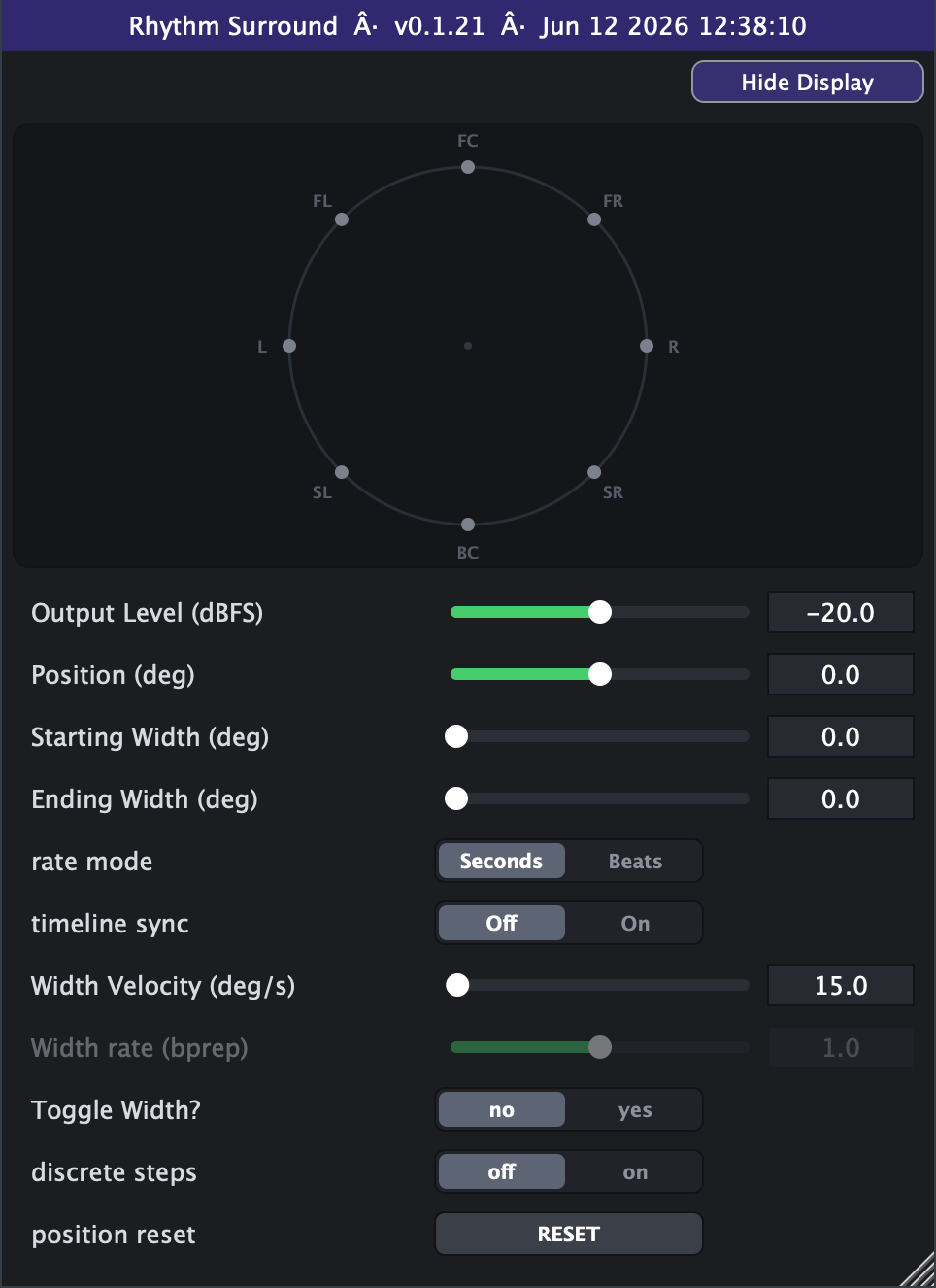
Position
Static · breathing widthPark a sound in the ring and let its width breathe in place
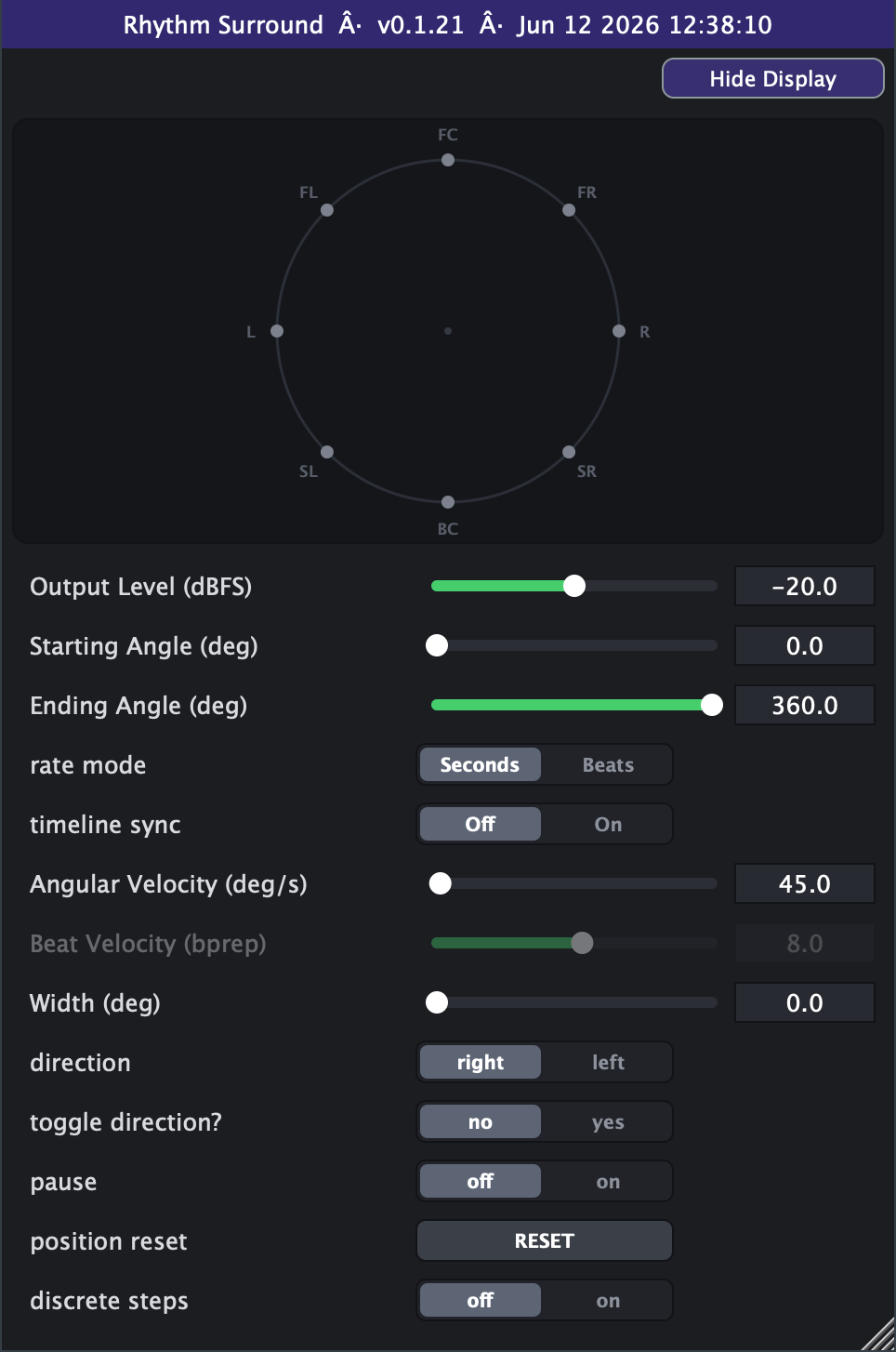
Twirl
Continuous orbitOrbit a sound around the listener
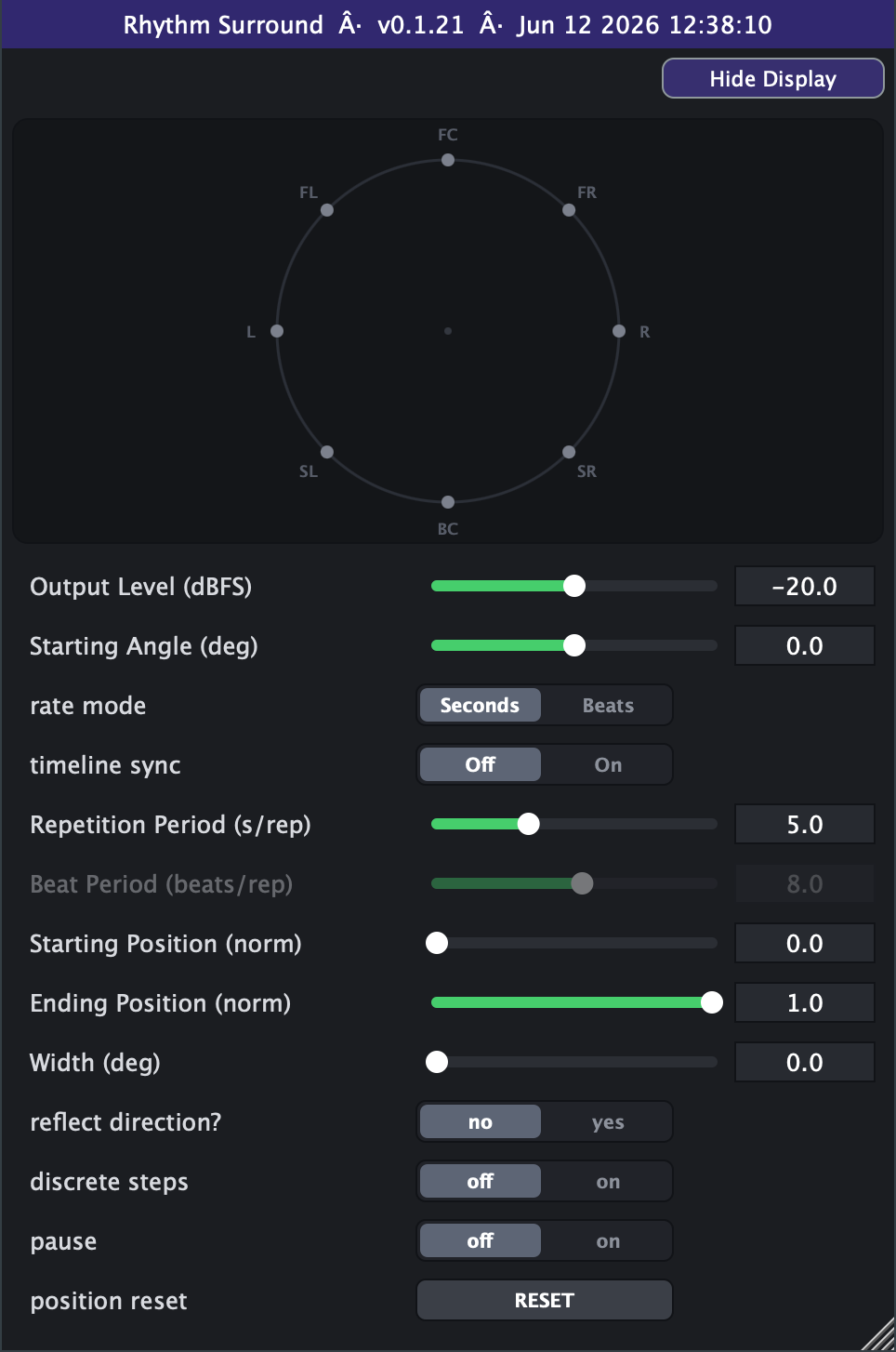
Surf
Mirror sweepSweep a sound across the room like a passing wave
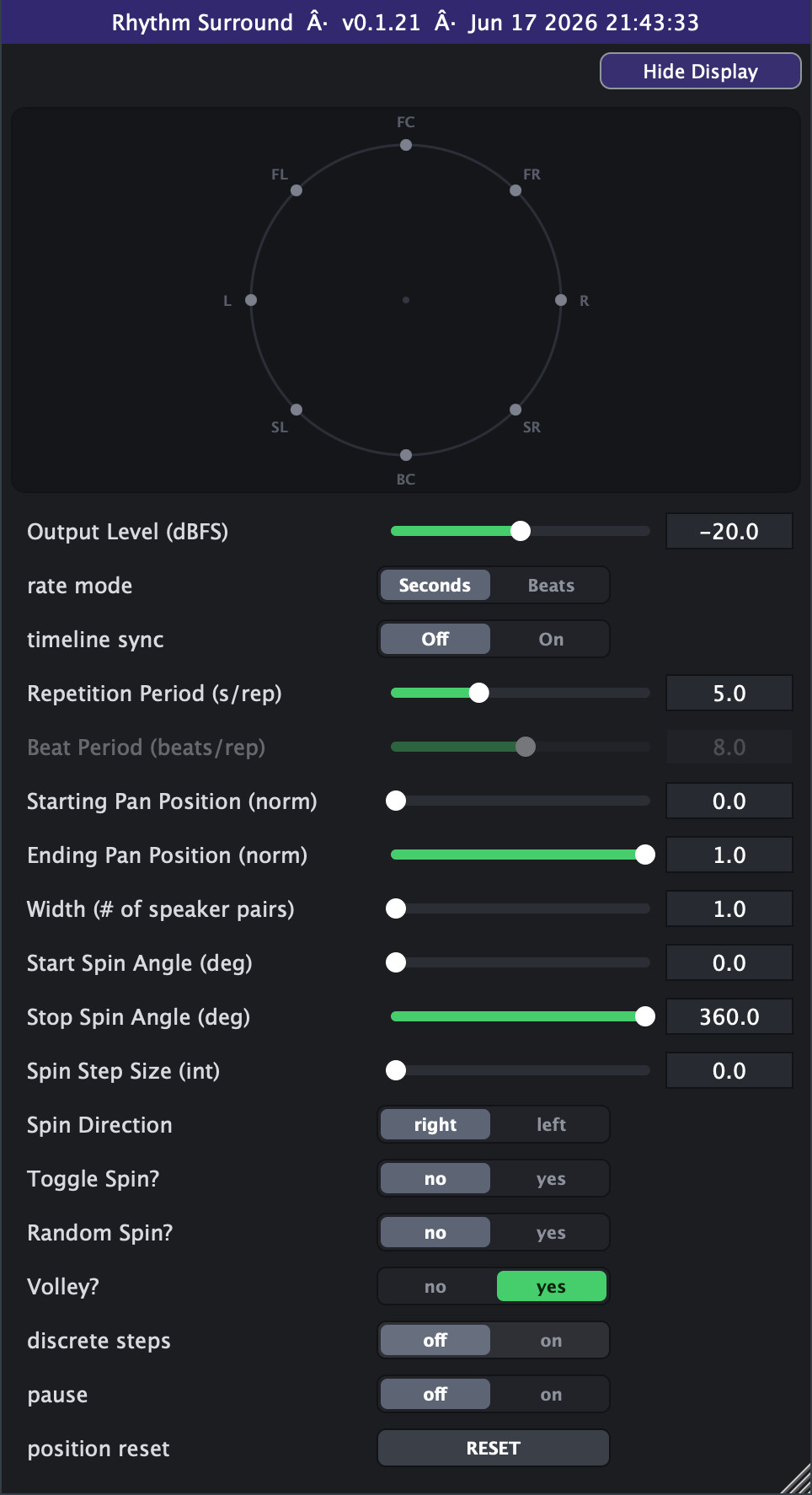
PingPong
Volley + spinVolley a sound between opposite speakers, then spin it around the ring
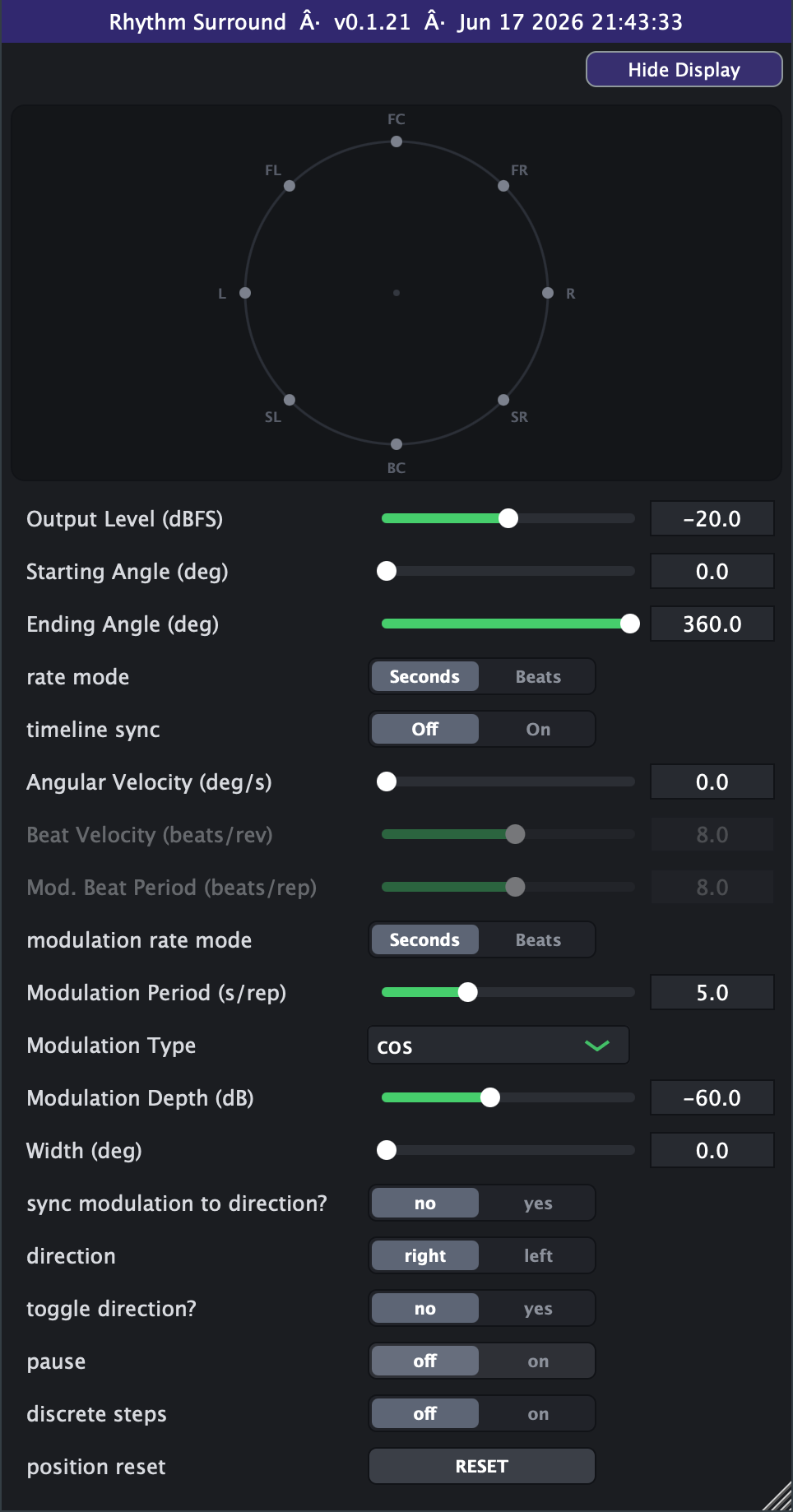
Pulse
Orbit + tremoloA sound that orbits the room while it pulses
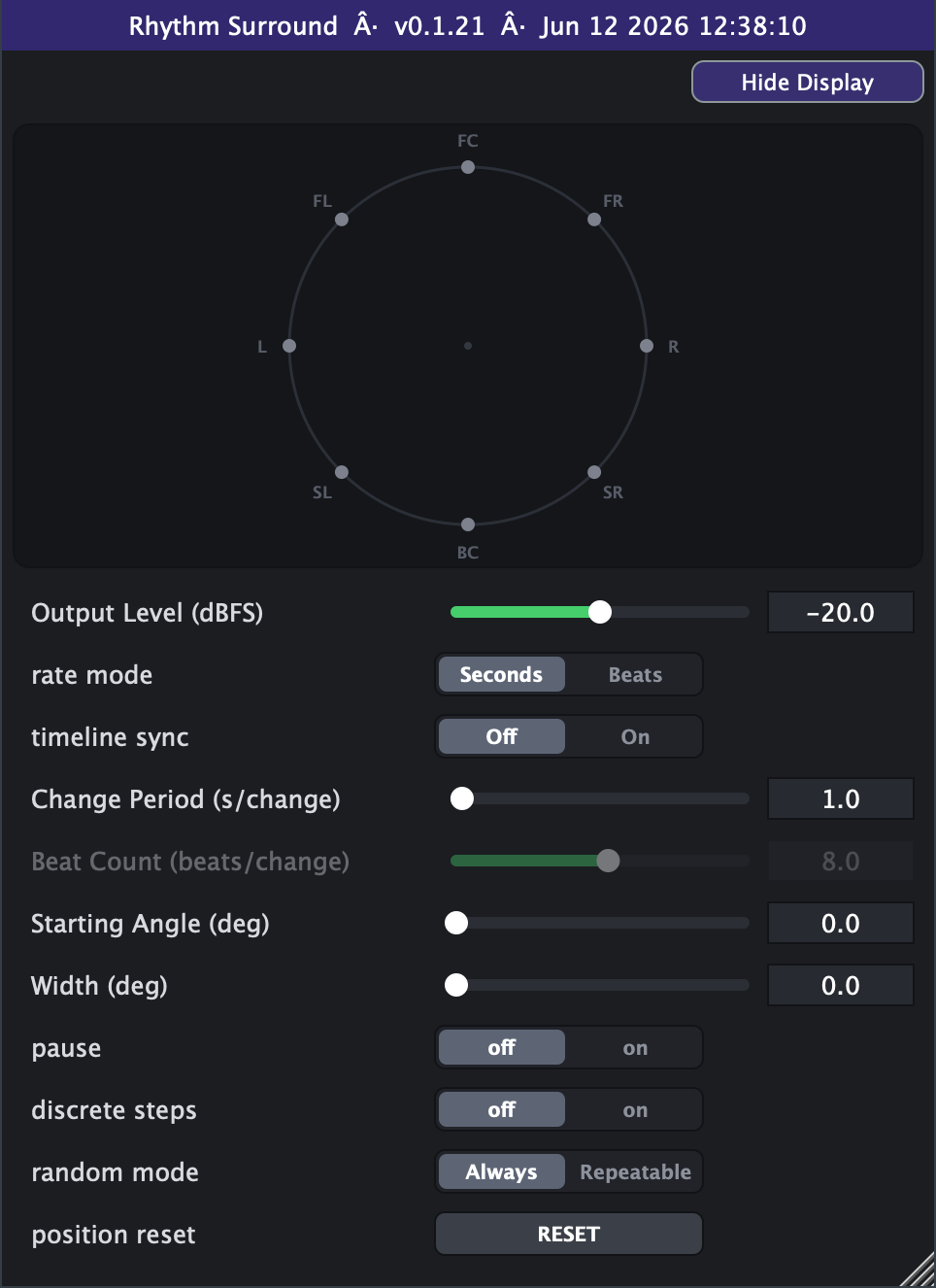
Popcorn
Random jumpsPop a sound to a new random spot — around or inside the ring — on every beat
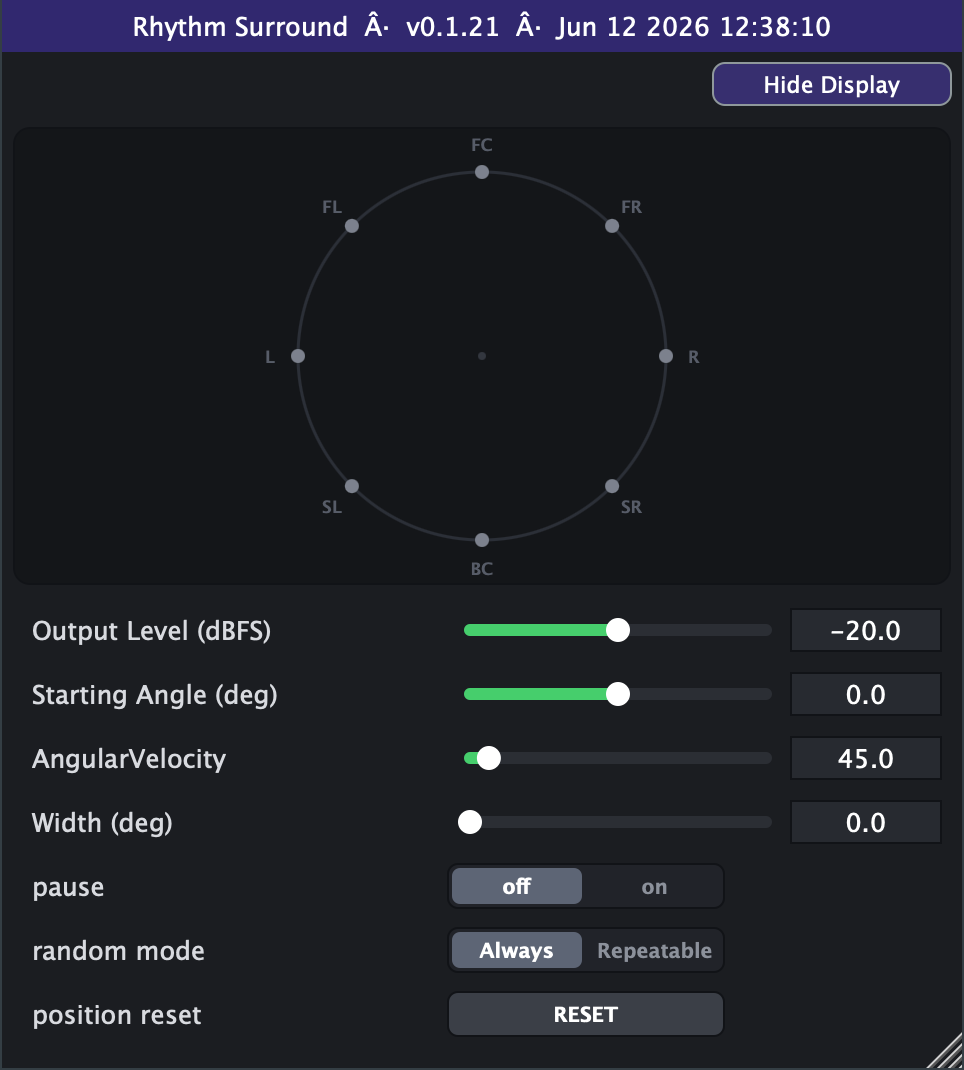
Bumblebee
Random wanderRandom phantom motion within the speaker ring
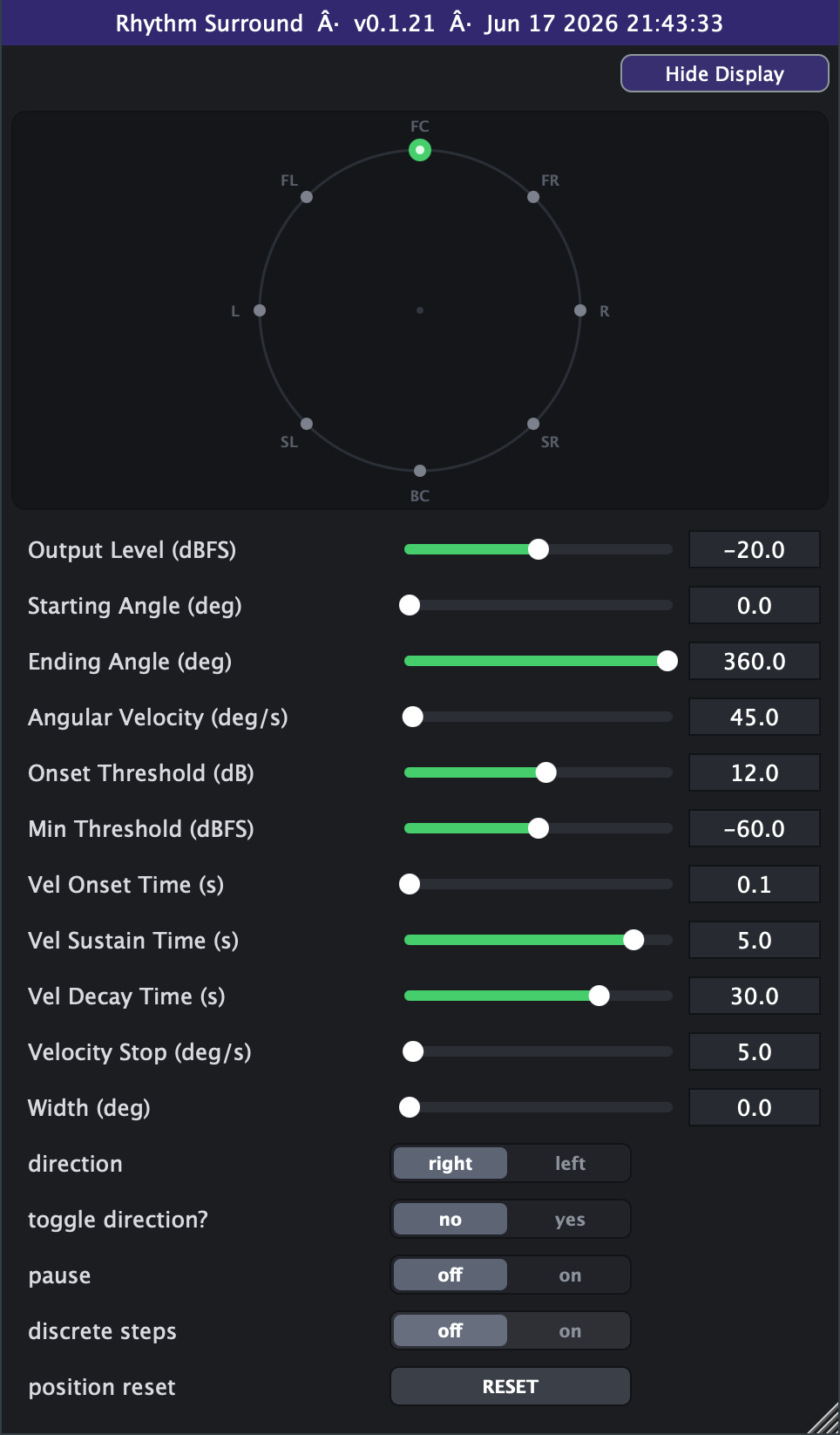
Roulette
Transient spinTransients spin the sound around you
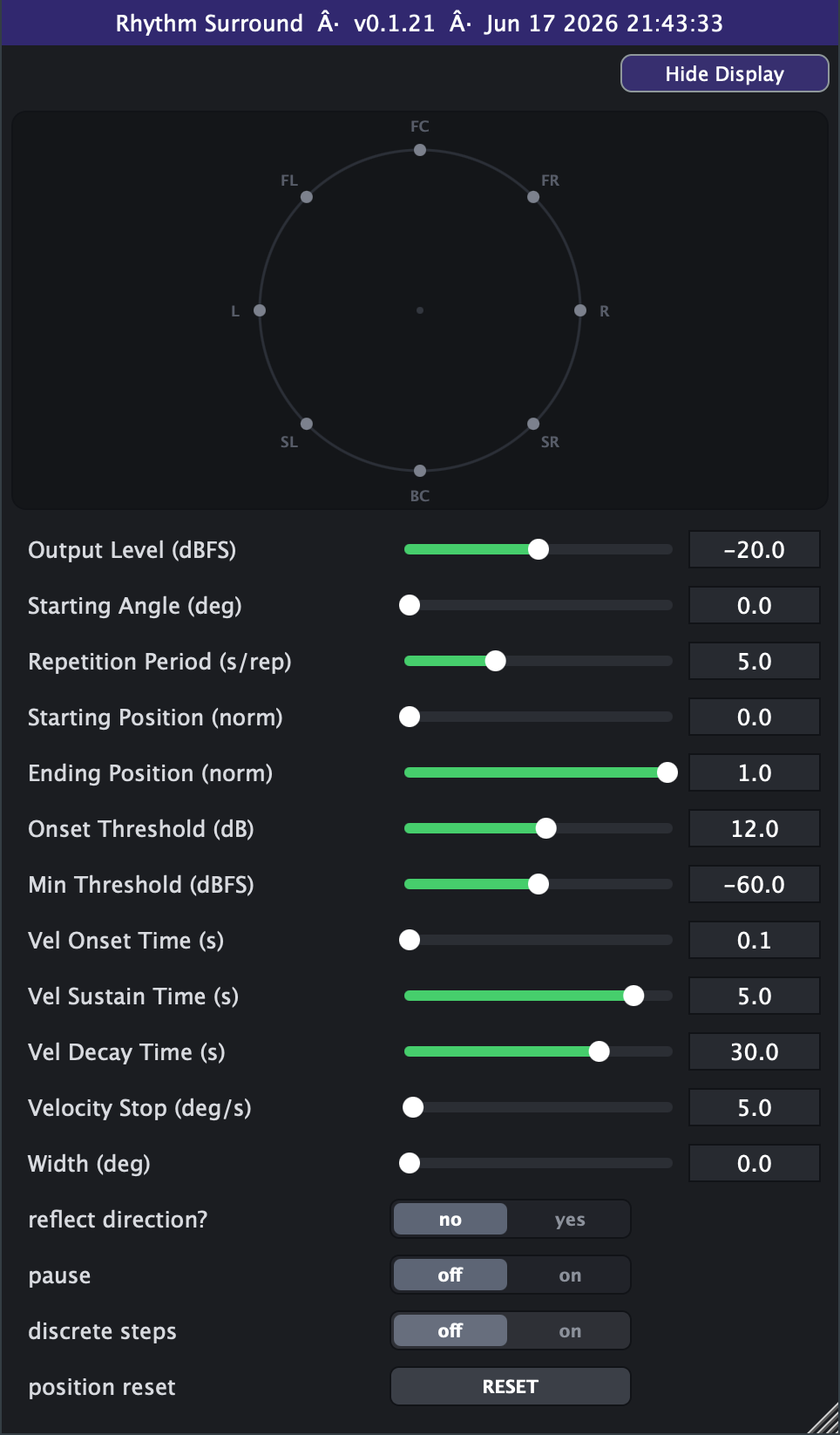
Pond
Transient rippleTransient-driven ripples that surge past you on every hit
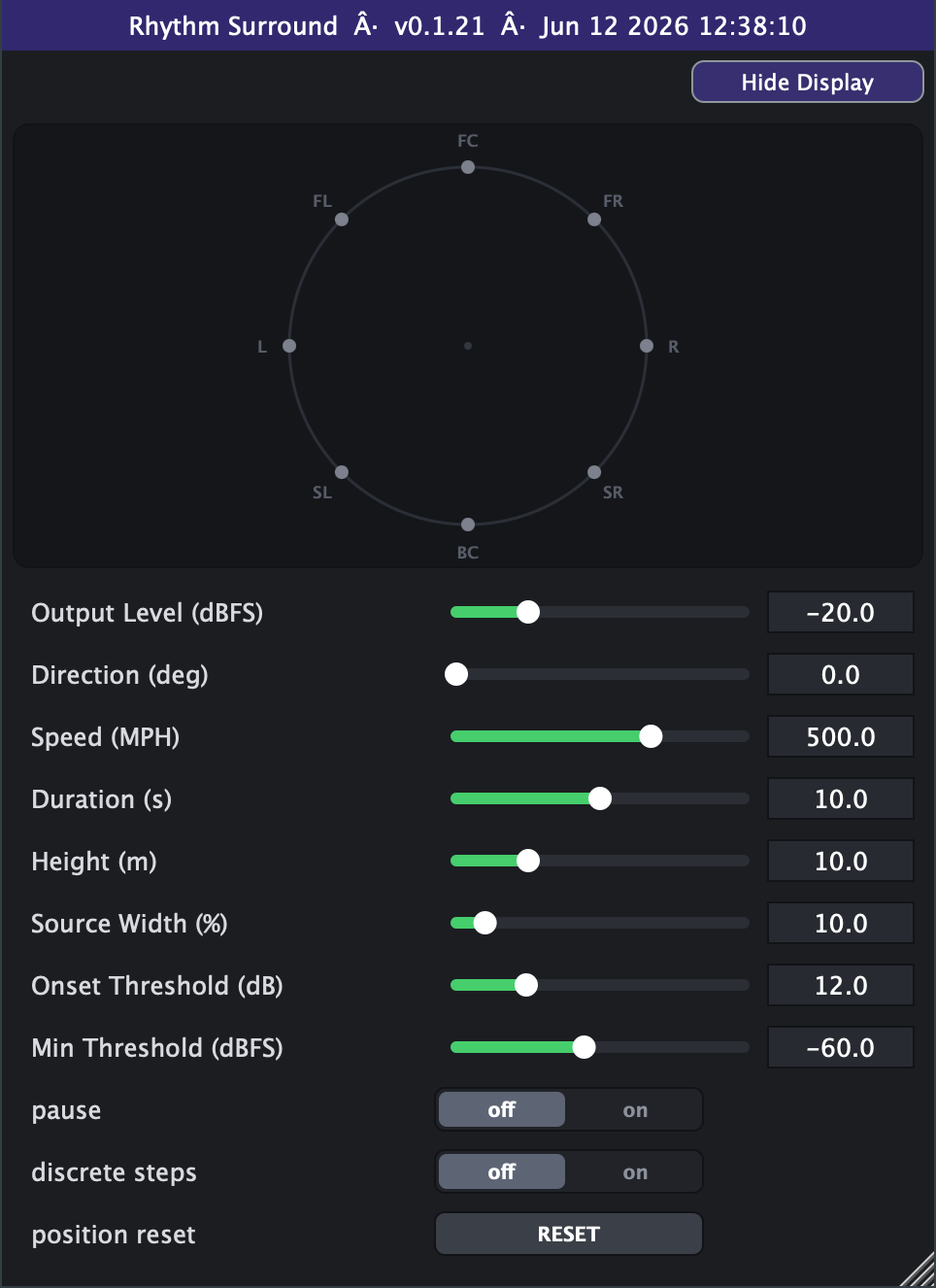
Flyover
Transient fly-byA sound flies past you like a plane overhead
Good to know
Is the beta really free?
Yes — the entire suite is free while it's in beta. You get a notarized macOS installer, the Windows VST3 builds, and your own time-limited license key. No charge, no card.
What formats and platforms are supported?
AU, VST3, AAX (Pro Tools) and a Standalone app on macOS — universal builds for Apple Silicon and Intel — plus VST3 on Windows (10/11, 64-bit).
Which DAWs does it work in?
Reaper, Logic Pro (Audio Unit), Pro Tools (AAX), Ableton Live and the Standalone app are supported today — Live reaches the full ring through four stereo Ring pairs (see the setup page). GarageBand runs them only as a plain stereo effect.
How do I set up my DAW for surround?
Step-by-step recipes for each host and output layout — stereo, quad, the 8-speaker ring, and Dolby Atmos 7.1.2 / 7.1.4 — are on the DAW setup page.
Do I need a surround setup?
A horizontal 8-speaker ring, a four-speaker quad rig, or a Dolby Atmos bed (7.1.4 / 7.1.2) gives you the full effect — but you don't need one. A true stereo fold-down mode (v0.1.55+) renders the whole ring to two speakers or headphones — it's what powers the zero-setup stereo insert in Ableton Live — so you can still work without a surround rig.
Why does it take a mono input?
Because mono has no left/right image to fight with — the plugin owns the whole space and can place your sound cleanly in any direction. Put it on a mono track or feed it a single channel.
What are the system requirements?
macOS 10.13 or later (Apple Silicon or Intel) or Windows 10/11 (64-bit), with a 64-bit AU, VST3 or AAX host — or just the Standalone app on macOS.
Get the whole suite — free
Be among the first to put Spatial Sound Tools to work. Sign up and we'll send you the notarized macOS installer, the Windows VST3 builds, and your own license key — no charge during the beta.
Join the free beta →